


Connect Your PS2 to Modern Displays
Converts legacy analog signals to clear digital HDMI output, making it simple to link your retro console with modern TVs, monitors, or projectors.
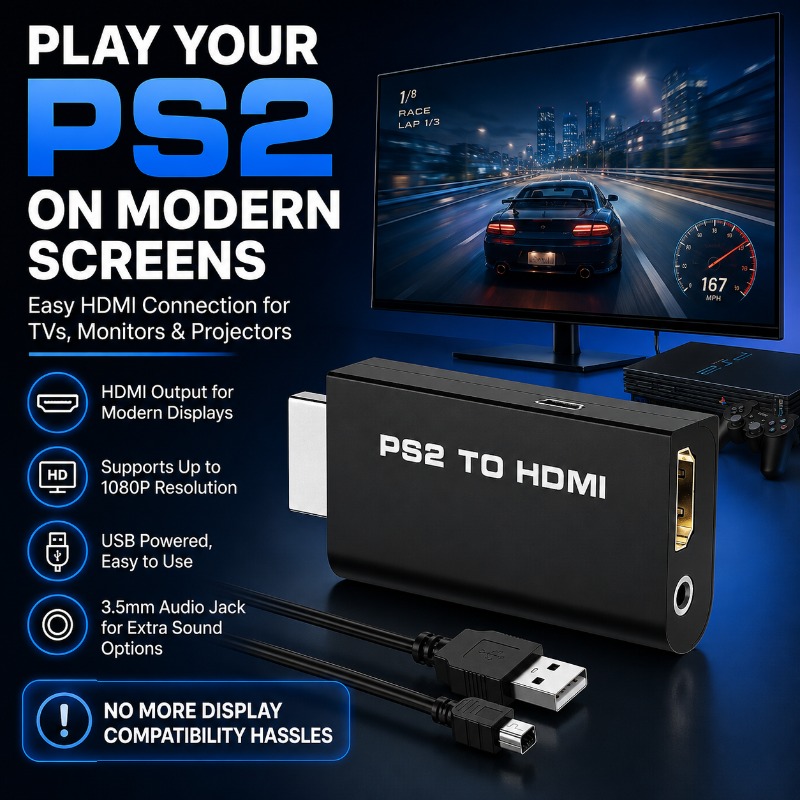
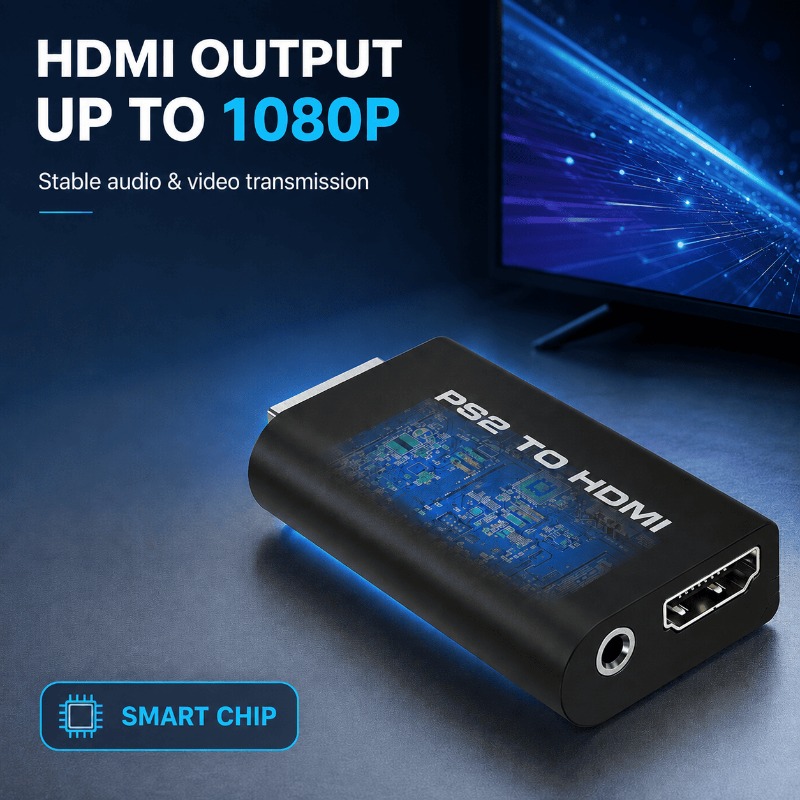
Clear Video Output Support up to 1080P
Built-in smart signal processing scales video transmission, supporting output resolutions up to 1080P for a smoother gaming and retro viewing experience on digital panels.
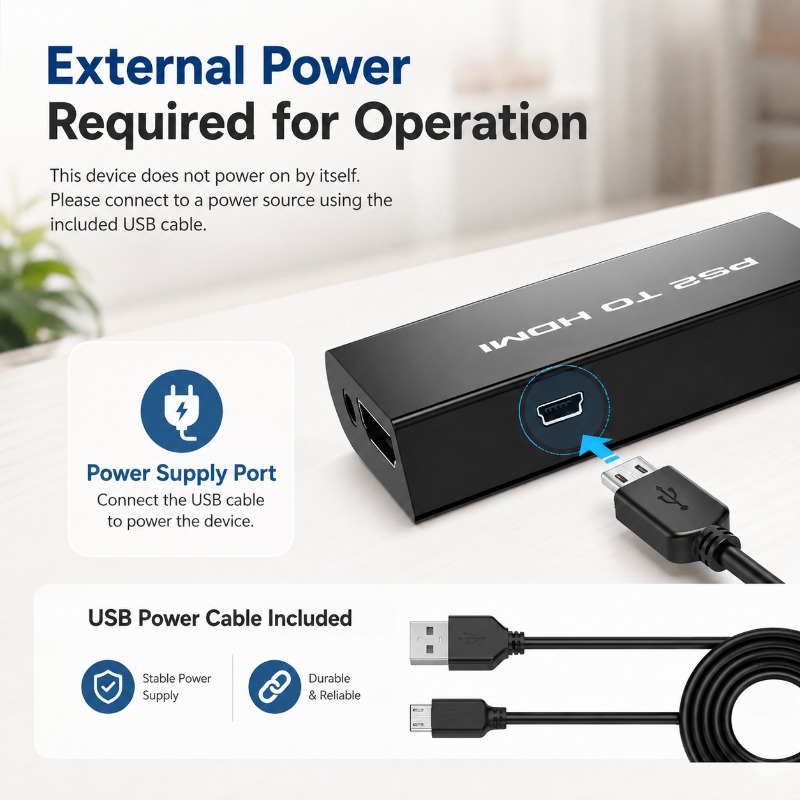
External USB Powered for Signal Stability
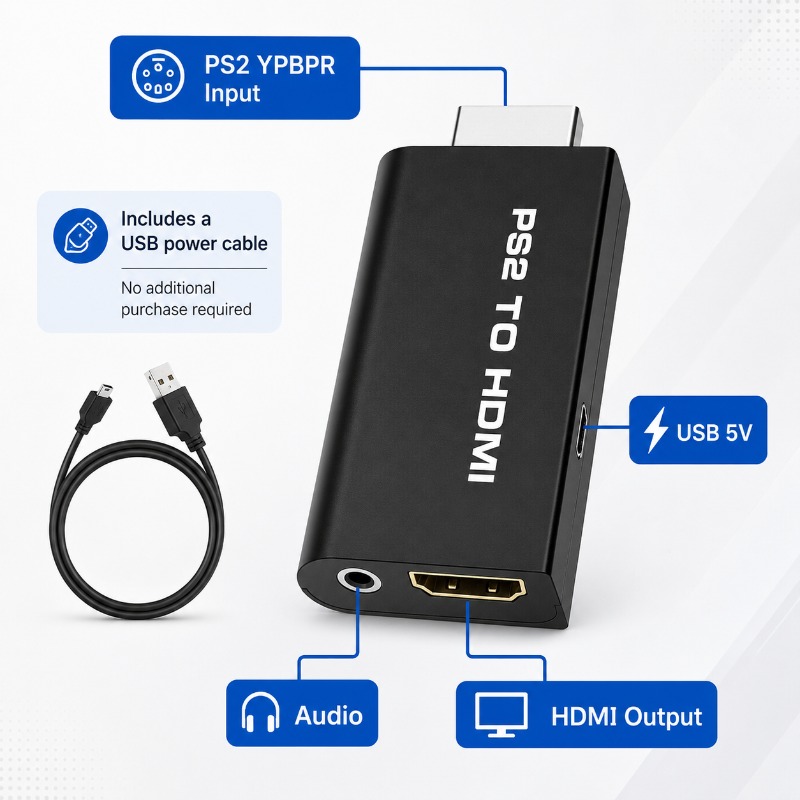
The converter requires external 5V power to operate. Connect the included USB power cable to the Mini-USB port on the side of the adapter and a nearby USB slot or power supply to maintain stable display transmission.
Connection and Configuration Guide
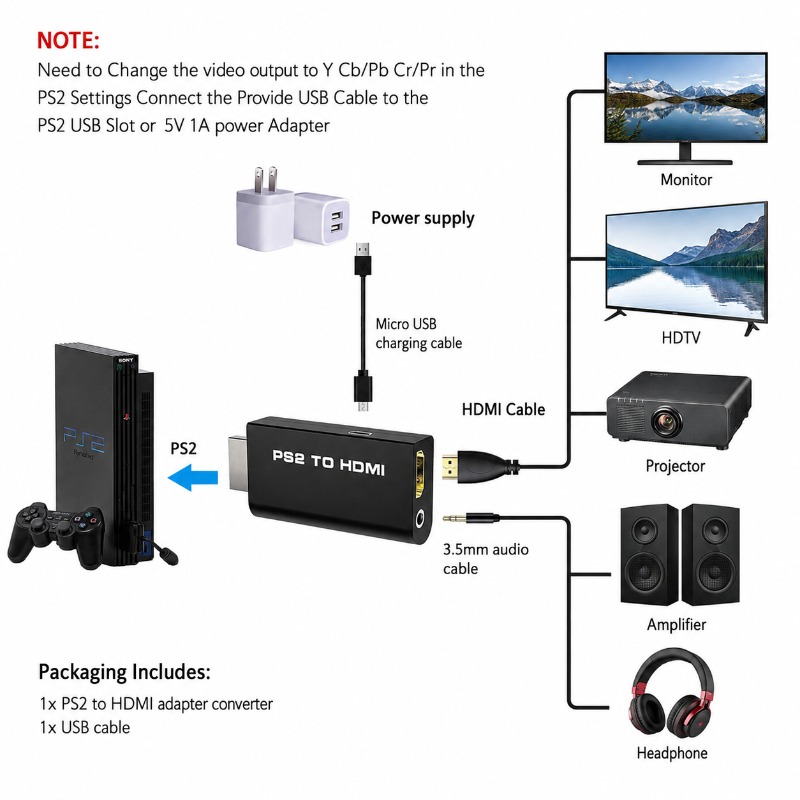
Crucial Pre-requisite: Turn on your PS2 console and enter the System Configuration settings to change the video output option to Y Cb/Pb Cr/Pr (YPbPr Component Output).
Connect the converter directly into the back of your PS2 console port.
Run a standard HDMI cable from the adapter output to your modern screen.
Connect the included USB power cable into the adapter side-port, then power it via a 5V source or the console USB port.
Flexible Sound Routing Options
Features a dedicated, integrated 3.5mm stereo audio jack alongside the digital HDMI output port. Route your audio directly to headphones, desktop speakers, or amplifiers, ensuring private gaming sessions or enhanced living room sound.
Technical Specifications
| Console Input Port | PS2 YPbPr Component Connector |
| Output Interface | 1x HDMI, 1x 3.5mm Stereo Audio Jack |
| External Power Inlet | Mini-USB Port (5V 1A Required) |
| Supported Video Output | Up to 1080P HDMI digital transmission |
| Adapter Color | Matte Black |
| Package Contents | 1x PS2 to HDMI Converter, 1x USB Power Cable |
Frequently Asked Questions
❓ Why is there a black screen or "no signal" after connecting the adapter?
This adapter requires you to manually set your PS2 console video output settings to Y Cb/Pb Cr/Pr before connecting the adapter. If your console is set to RGB video mode, the converter cannot process the signal, resulting in a black screen.
❓ Does this adapter work without the USB power cable connected?
No, this converter does not power on by itself. It requires external 5V 1A power. Please connect the included USB cable to the adapter side-port and plug it into a 5V power source or one of the USB ports on the front of the PS2 console.
❓ Can I play games with headphones connected directly?
Yes, absolutely. The adapter contains an integrated 3.5mm stereo audio jack output. You can plug your wired headphones, desktop speakers, or home amplifiers directly into this port for direct and clear audio output.